Using Events and Associations
Link objects with associations
ZeyOS has been engineered to find required information as fast as possible. In order to facilitate this, you can link arbitrary objects with each other. You can find all of the associated objects, events and records in the sidebar on the right. There you can also add a new association.

When you create an record, you can determine its visibility by setting an appropriate owner (public, a user or a group). Likewise, you can select an assigned user or group. If the record only ought to be visible inside the object and not in Mindlog, you can choose to hide it from Mindlog in the creation dialog. Please bear in mind that you can change neither owner nor assigned user after saving the record.
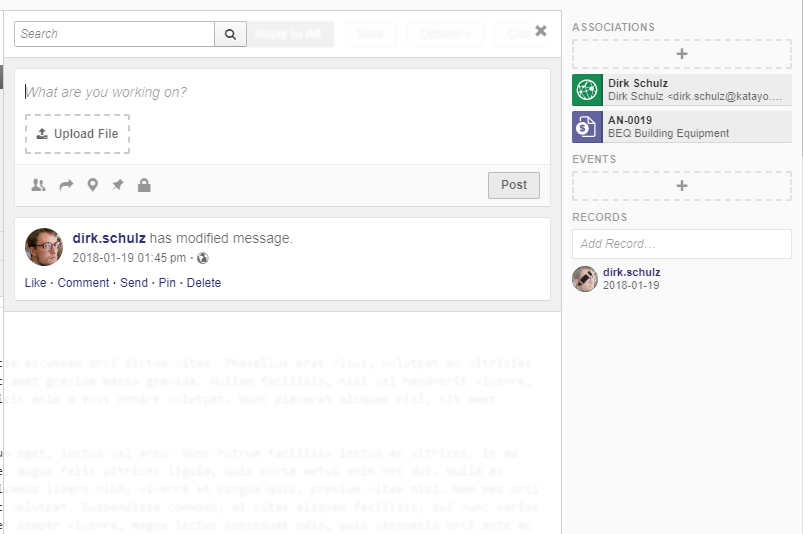
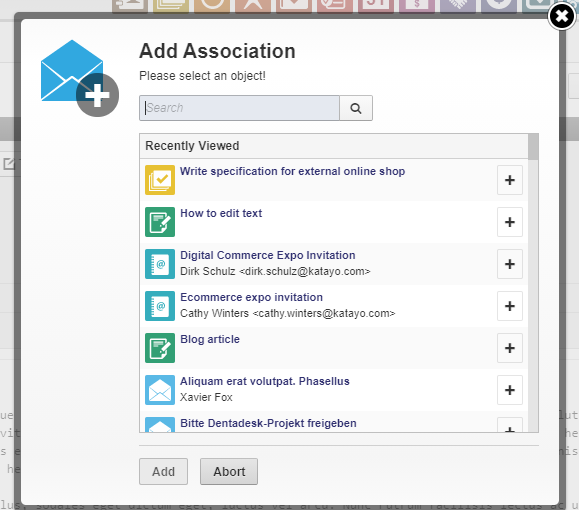
Associating objects with each other enables you to find relevant information very quickly, for example the customer mail that confirmed an order. You can also describe the relation of the associated objects in order to discern more easily what it is about.
Organize with events
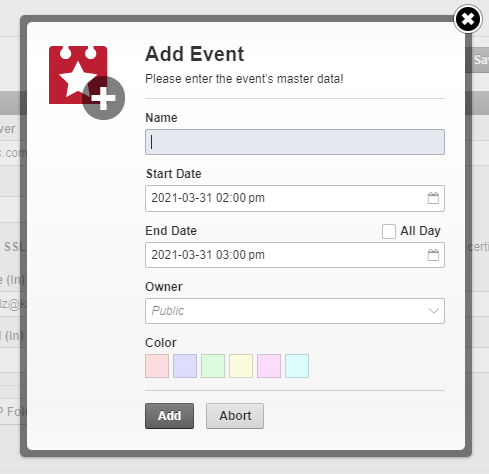
If an object leads to an appointment or a lengthy task and therefore has effects on planning your calendar, you can create an event via the sidebar on the right. Similarly, you can determine its visibility by setting an appropriate owner. Additionally, you can supply a color to emphasize the event in the calendar.