Channels
Channels help organize and streamline communication flows within the Mindlog. They allow users to group conversations, comments, and activities around specific topics, teams, or processes.
Using channels makes the Mindlog more efficient and context-driven, ensuring that important information is grouped and easy to retrieve. Your top channels are displayed on the left side of the Mindlog, below your top users, for quick access to frequently used communication streams
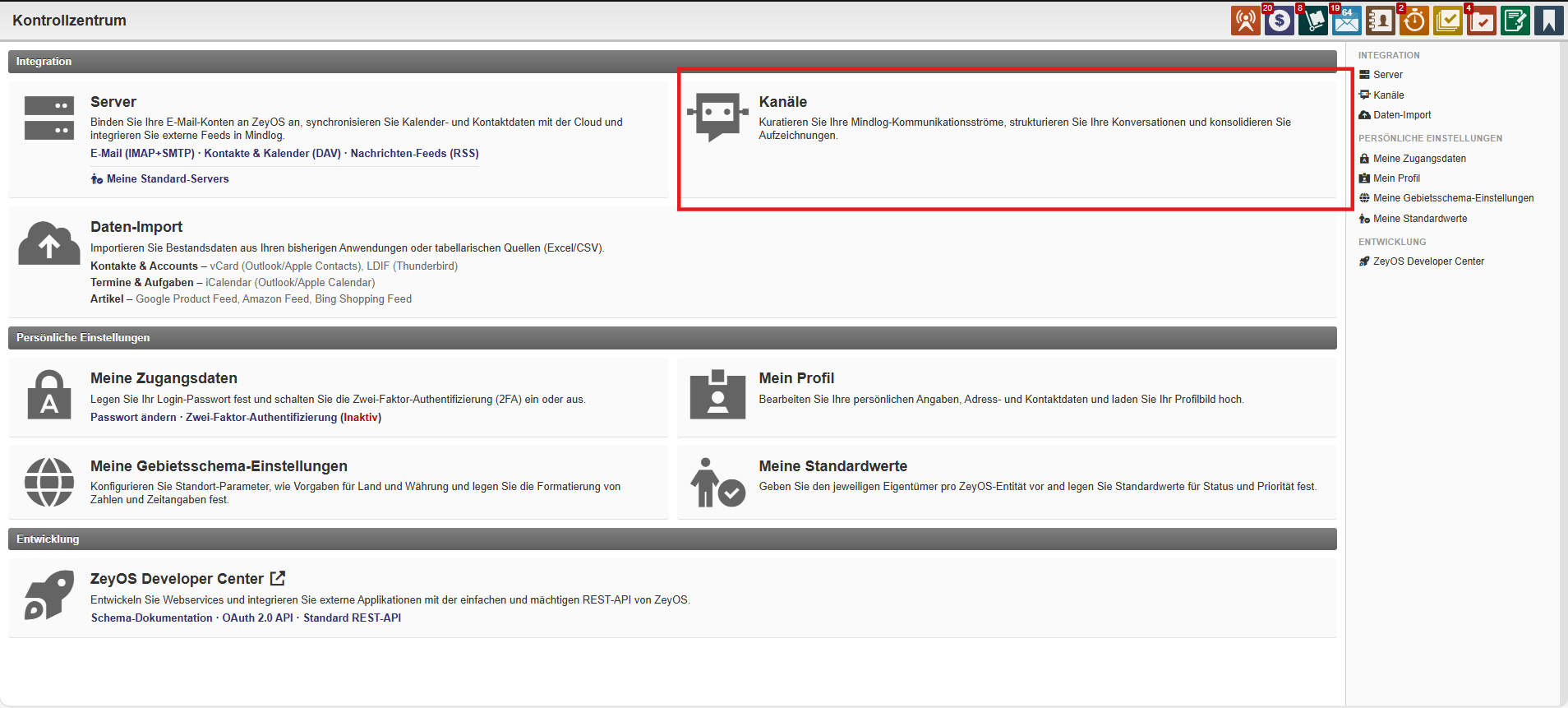
Channel Overview and Management
- You can create new channels and manage existing ones
- Channels can be filtered by status: active, inactive, or deleted
- Use tags to categorize and organize channels thematically
