Contacts
Create a new account
All saved contacts are listed in the Contacts application. The sorting can be freely selected as in any other table (see viewing and filtering data).
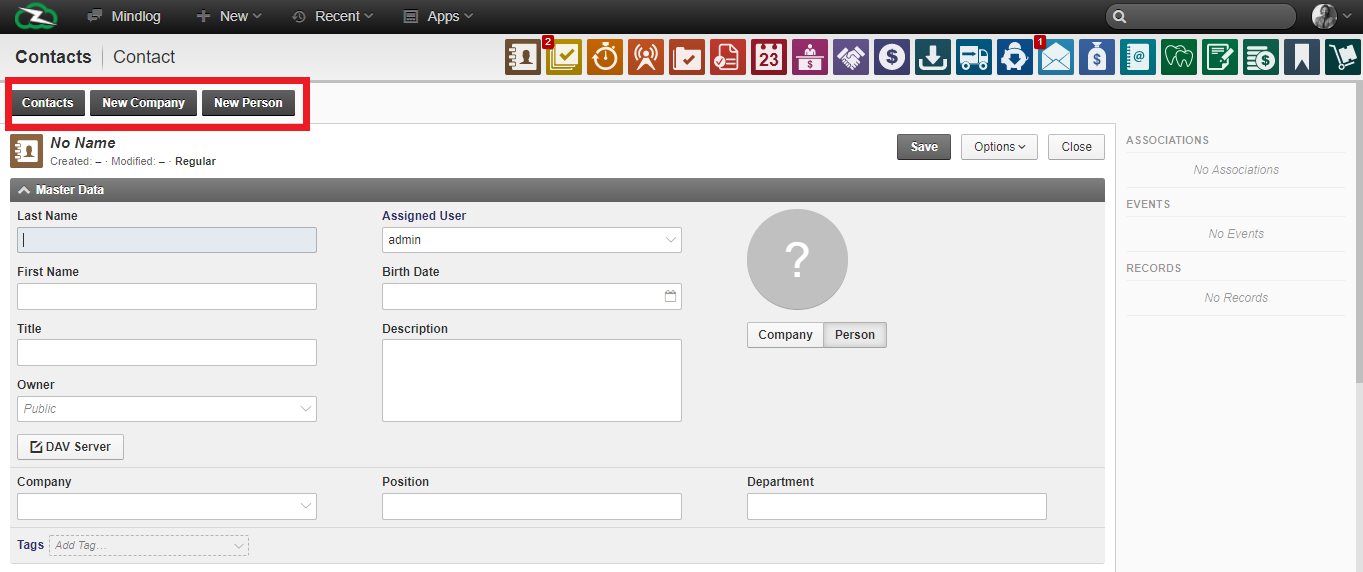
New entries can be created in the address book using the New Company and New Person buttons, which are located at the top left. After you click on one of the buttons, the master data and contact details are queried. You can also add a photo and choose an owner, as with any item in ZeyOS.
Linking a user to their contact
The user profile can be linked to a contact. This may have to be created in advance, which is possible in two ways:
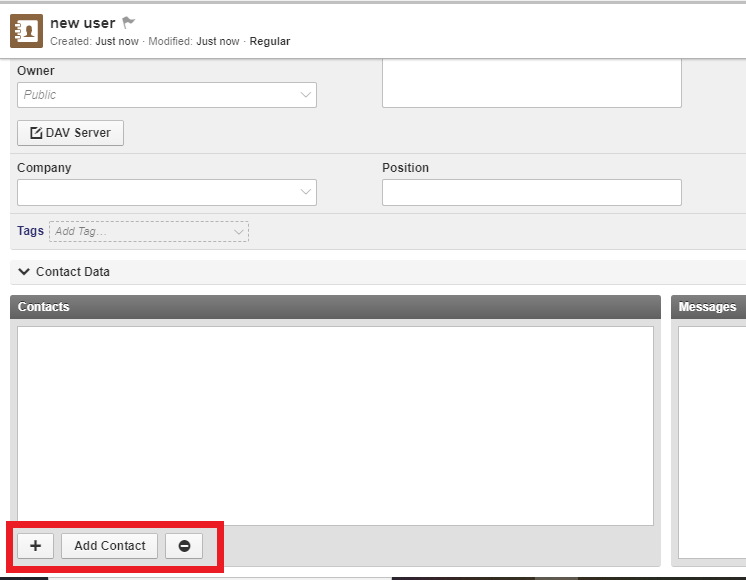
Via the Plus button when creating a new user:
Via the application "Contacts" in the menu bar or in the apps:
In the background the contacts are linked to many functions of the system, e.g. with users, with other contacts, a participant, etc. This has the advantage that if the data changes in the contact, the data automatically adjusts in the other functions and does not have to be changed manually. Thus, the photo that you add in a contact is also displayed in e.g. the user profile. For this reason, it is recommended to use the address book from the beginning.